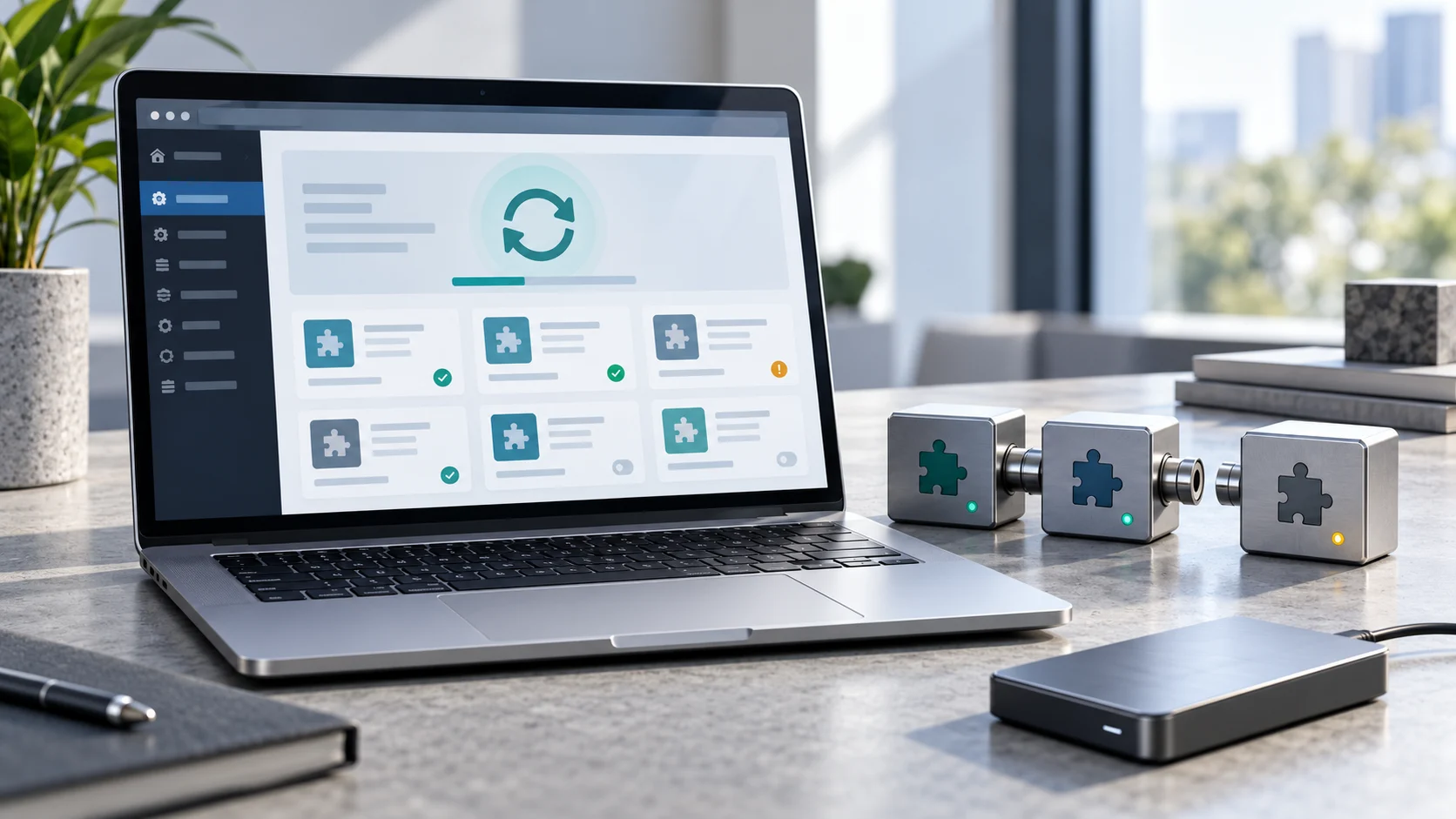
Your WordPress installation is up to date. That is useful, but it does not tell you whether every plugin and theme will work correctly with it. A successful update message confirms the installation finished; it is still worth checking the functions your business relies on.
Untested is not the same as incompatible
An “Untested with your version of WordPress” notice means compatibility has not been confirmed for that version. It does not prove the plugin is broken. Check its compatibility information, recent releases and changelog before drawing conclusions. The WordPress plugin guide explains where to find these details.
The whole site does not always stop working
A conflict can affect one feature, the administration area or the entire website. Depending on the problem, you might see a broken editor, an unresponsive button or a critical error. WordPress, another plugin and the theme can all be part of the interaction, so the newest component is not automatically the cause. See the official plugin troubleshooting guide.
For an online shop, a working homepage is only the beginning of a useful check. Test product selection, the cart and checkout in a safe test environment. For a service website, check forms and confirm that enquiries reach their destination. Choose tests that follow actual customer journeys.
Recovery Mode helps with some fatal errors
WordPress may offer Recovery Mode after a fatal PHP error. It can pause the faulty component for the recovery session, allowing an administrator to investigate. It is not a repair for every issue, and the recovery email may not arrive. The Recovery Mode documentation describes its limits.
Diagnose before replacing things
Record what changed and reproduce the failure on a staging copy. Review error logs and isolate the suspected plugin. WordPress provides debugging tools; detailed errors should not be displayed publicly. Follow the official debugging guidance rather than making unrelated changes until something works.
Prepare a way back before updating
A full backup includes both files and the database. Keep a verified restore point before updates. Restoring an older database can also replace newer orders or submissions, so recovery needs a plan that accounts for activity since the backup. The database backup documentation explains why a database export alone is not a complete site backup.
The practical goal is a maintained, tested system. Check compatibility, test important workflows and resolve unsupported dependencies. Leaving a site permanently outdated is not a sustainable maintenance plan.