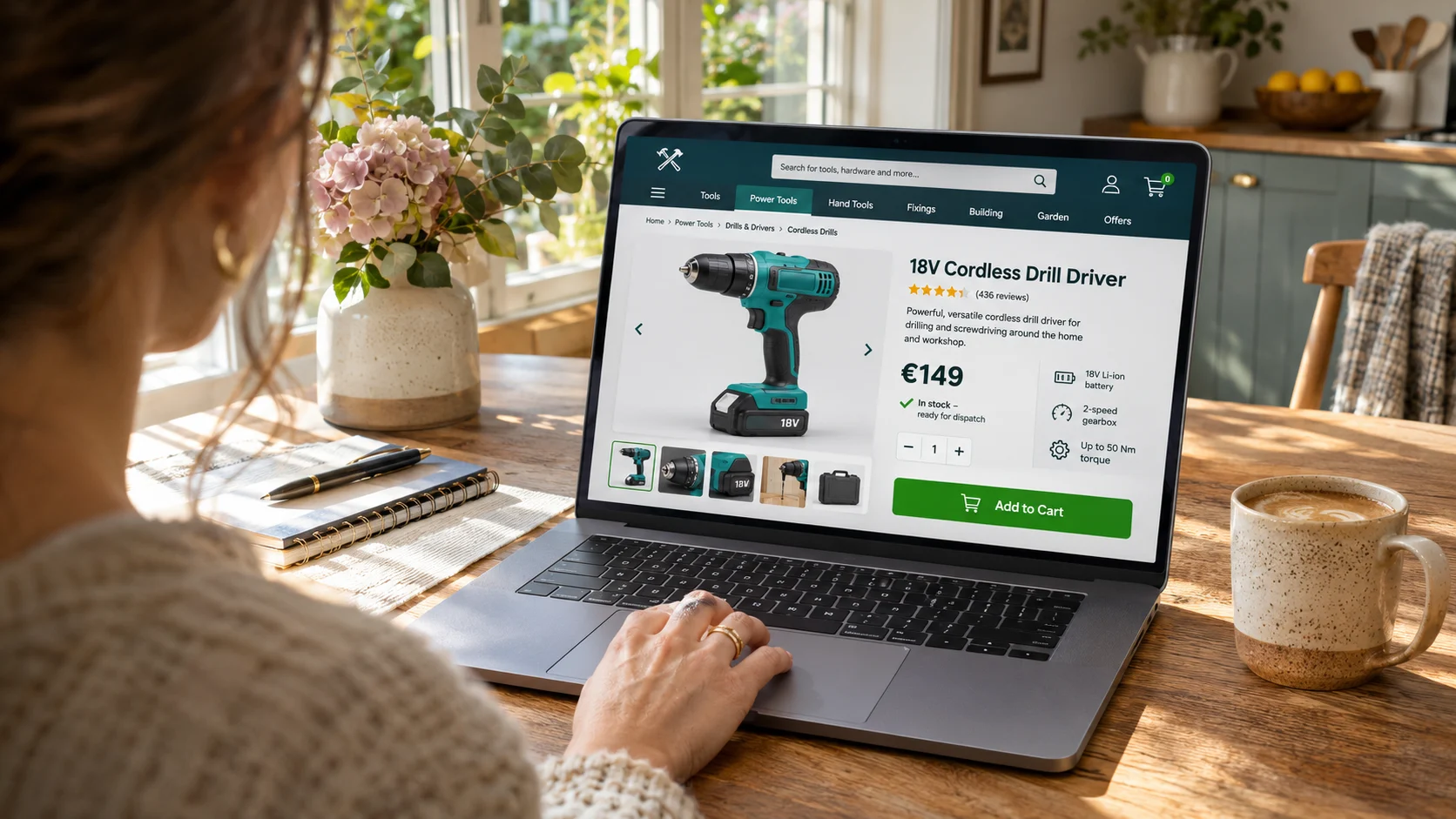
A shopper is comparing two cordless drills. They look identical, both are rated at 18 volts, yet one costs considerably less. Only at the bottom of the description does the shopper discover why: the cheaper option comes without a battery or charger. A good product page brings that detail into view while the shopper is comparing options.
What does the price include?
Show the selected package beside the product name and price. “Tool only” and “Kit with battery and charger” tell shoppers more than “Basic” and “Pro.” When someone switches kits, update the price, photo and stock status together so they can see exactly what they are adding to their cart.
Which details help someone choose?
For someone who already owns a battery, the most useful detail may be the name of the compatible battery range. A first-time buyer may learn more from a photo of the open case showing everything inside. Include both. Use the short description to explain who the drill is for, then put comparable specifications in a table. When listing the weight, say whether it includes the battery.
What will delivery cost, and when will the order arrive?
“In stock” answers one question. A shopper planning a weekend project has another: can it arrive by Friday? Place the estimated delivery window near the add-to-cart button. If shipping costs vary by location, let shoppers check the price using their postal code.
For a final check, open the page on a phone and select a different kit. Before adding it to your cart, can you tell what is included, what you will pay and when to expect it? If an answer is buried in the shipping policy, bring it closer to the choice it affects.